
EXPRESS DELIVERY
★
CASH ON DELIVERY AVAILABLE
★
EXTRA SAVINGS ON PREPAID ORDERS
★
100% SECURE PAYMENTS
★

MaxVision™ — Mobile Magnifier | Cinema-Like Display| Adjustable Angle |Travel Friendly
Sale price
Rs. 699.00 INR
Regular price Rs. 999.00 INR
Skip to product information


 Only 9 in stock, ready to ship


MaxVision™ — Mobile Magnifier | Cinema-Like Display| Adjustable Angle |Travel Friendly
20,000+ Happy Customers
•
Best Seller
Rs. 699MRP Rs. 999
30% OFF
(Incl. of all taxes)
3-4x Zoom
Enlarges mobile displays for a cinematic view.
Eye Relief
Promotes a comfortable viewing distance.
Adjustable Stand
Customisable folding bracket for easy angles.
Portable Build
Compact, battery-free and bag-friendly.
Check Estimated Delivery Time
COD available on eligible orders · verified by phone/WhatsApp before dispatch.
Delivers in 2–4 days
Arriving between
Free shipping on this order
Easy 7-day returns
P
PayU
On Prepaid Orders
Money Back Promise
Grabbit India is a verified business
Get 100% refund on non-delivery or defects
7-day returns — refund or replacement
Free Doorstep
Delivery
Safe & Secure
Payments
Description
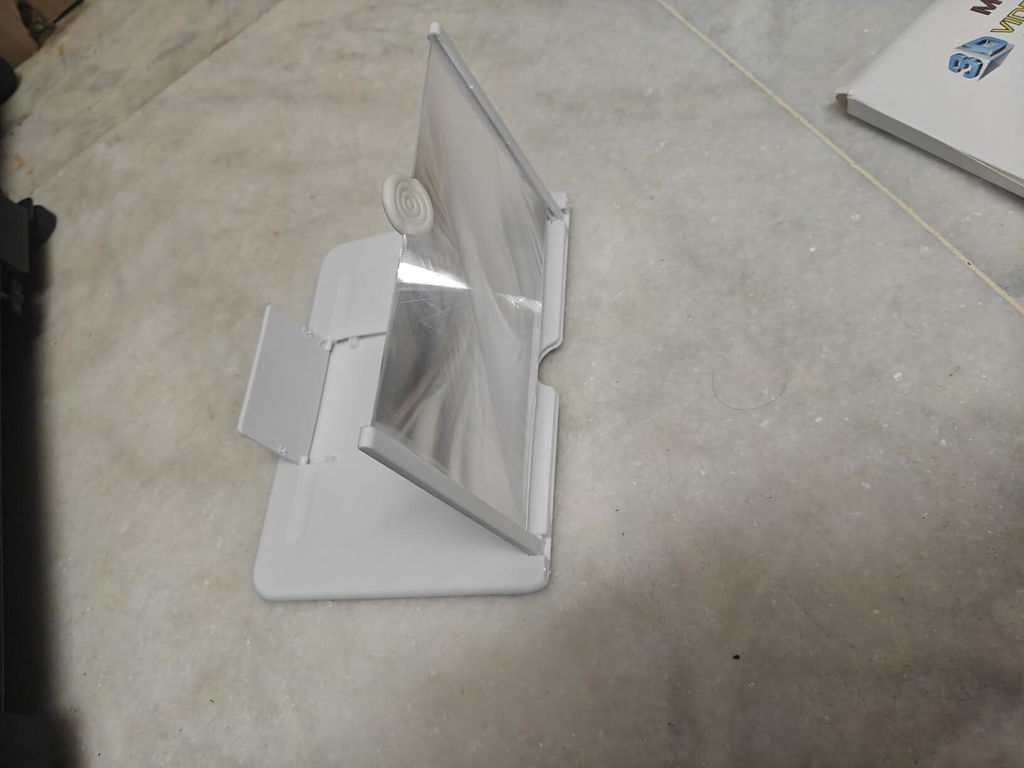
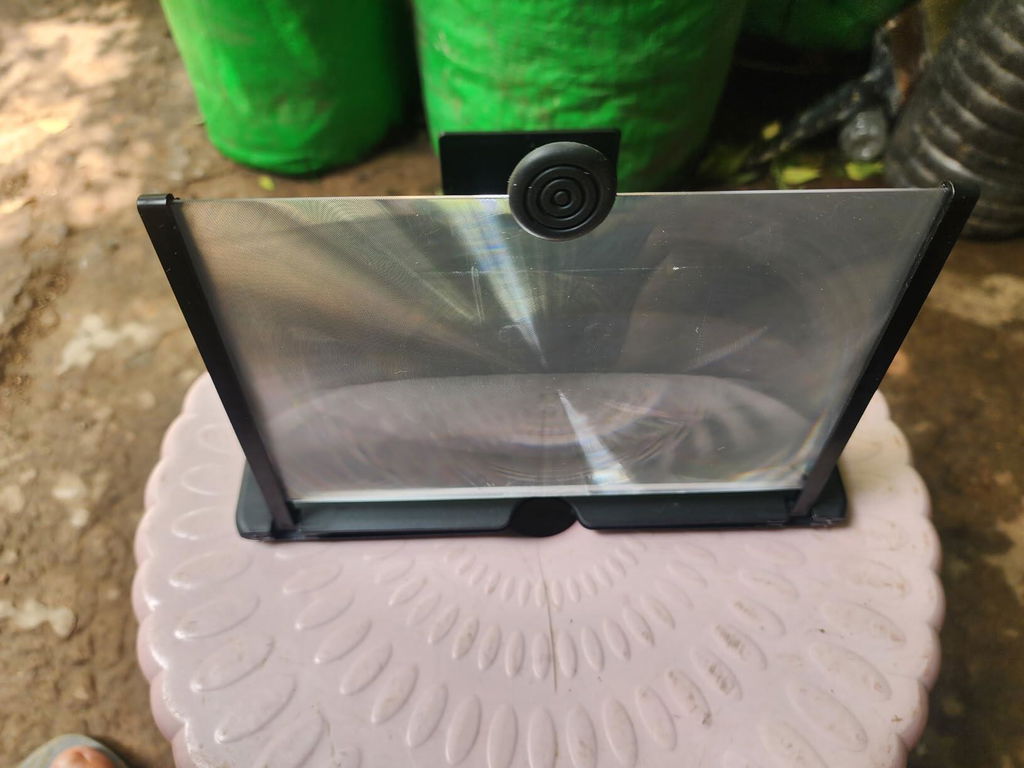
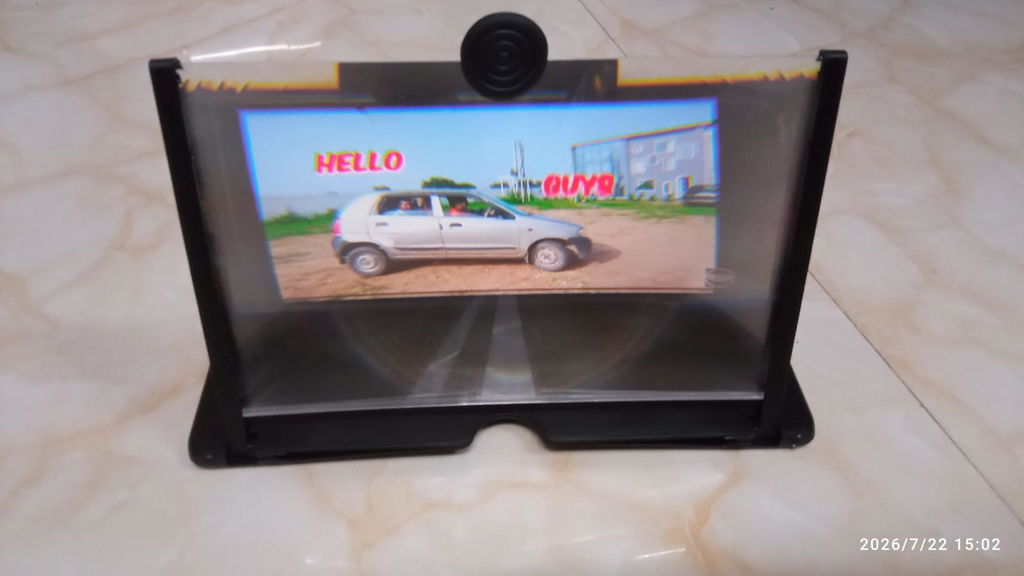
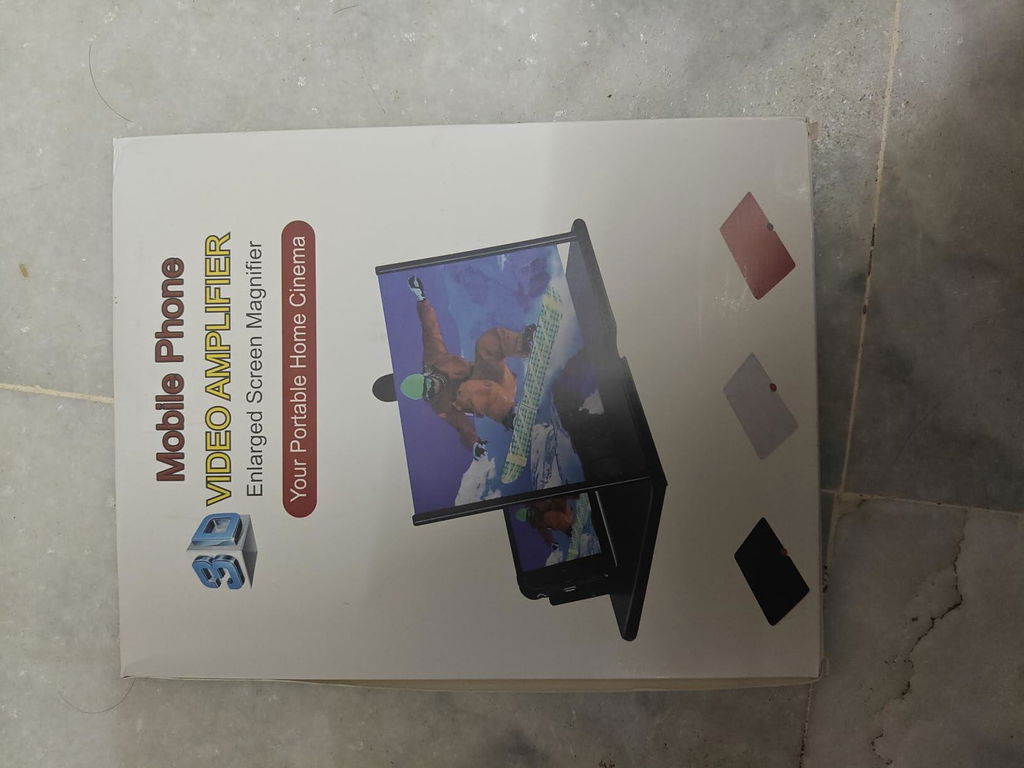
Transform Your Smartphone Viewing Experience Enjoy a more immersive and comfortable way to watch movies, read, or catch up on videos right from your phone. This 3D HD screen magnifier enlarges your mobile display by 3-4 times, bringing a cinema-like feel to your everyday media consumption. Simply place your phone in the holder bezel, adjust your viewing angle, and enjoy instant magnification without any complicated setup.
3-4x HD Enlargement: Magnifies your phone screen significantly for easier viewing of videos and text.
Optimal Viewing Distance: Designed to help reduce eye fatigue during extended movie or reading sessions.
Adjustable Support Feet: Easily modify the stand angle to suit your posture and viewing comfort.
Universal Phone Fit: Accommodates various smartphone sizes and brands without needing specific adapters.
Zero Power Required: Operates purely through optical lens technology without batteries or charging cables.
Compact Folding Build: Fills flat in seconds, making it wonderfully lightweight for travel and daily carry.
Product Details
Product Type: Mobile Phone Screen Magnifier and Stand
Design: Foldable bracket with adjustable support feet
Magnification: Approximately 3 to 4 times original display size
Compatibility: Universal fit for all smartphone brands and sizes
Portability: Lightweight, slim profile for easy travel and storage
Power Requirement: None (operates without batteries or electricity)
Recommended Use: Watching movies, videos, reading, and video calling
Maintenance: Wipe clean gently with a soft microfibre cloth
Storage: Fold flat and store in a safe, dry place away from direct sunlight
Dimensions: Compact size approx. 25 x 20 x 1.5 cm
Usage & Care Instructions
- Keep the magnifier lens clean by wiping it gently with a soft, dry cloth.
- Avoid using harsh chemical cleaners, alcohol, or abrasive pads on the lens surface.
- Store the unit flat in a safe pouch or bag when not in use to prevent scratches.
- Keep away from direct sunlight and high-heat sources to protect the optical material.
- Do not place heavy objects on top of the magnifier when folded.
- Supervise children when they are handling or adjusting the stand.
- Ensure your smartphone is securely placed in the holder bezel before letting go.
Return & Refund
Return Policy: Returns are subject to the seller's applicable return policy and eligibility conditions.
Damaged Product: If the product arrives damaged or defective, contact the seller or customer support within the applicable return period.
Refunds: Once an eligible return is approved, the refund will be processed according to the seller's refund policy and original payment method.
MegaScreen Highlights

🔍 HD Screen Magnification
Enlarges display 3-4x for clearer movies, videos, and reading.

📐 Adjustable Viewing Angle
Features a folding bracket to easily find your comfort spot.

🎒 Travel-Ready Design
Lightweight and foldable; packs easily without needing batteries.

🧬 Fiber-Lock
Fuses to strands for natural thickness.
See MegaScreen in Action
Usually bought together...


Sale
AeroSpin™ - Boomerang LED Ball | Sensor Hover | Auto-Return | Kid Safe
AeroSpin™ - Boomerang LED Ball | Sensor Hover | Auto-Return | Kid Safe
Sale price
Rs. 999.00
Regular price Rs. 1,499.00


FAQ
Frequently Asked Questions
Does this magnifier require batteries or charging?
No, it operates entirely on optical lens technology and requires no power source, batteries, or charging cables.
Will it fit my specific smartphone model?
Yes, the universal design accommodates virtually all smartphone brands and screen sizes.
Does it help reduce eye strain?
It is designed to provide a more comfortable viewing distance, which can help reduce eye fatigue during extended use.
How do I clean the screen magnifier?
Use a soft, dry microfibre cloth to gently wipe away dust or smudges from the lens.
Does it work well for reading text?
Yes, enlarging the display makes reading articles, e-books, and documents much more comfortable.
A
No assembly required out of the box. Just pop it open and slide in the phone.
P
Great for watching sports matches when the TV is busy with family soaps. Works best in a slightly darkened room.
S
Took it with me during my recent train trip and it kept me entertained throughout the journey.
S
I love that I can just place my phone in the slot and watch series hands-free. Very convenient for long viewing sessions.
S
Zero installation required. Just open it up and start watching your favorite clips on a larger scale.
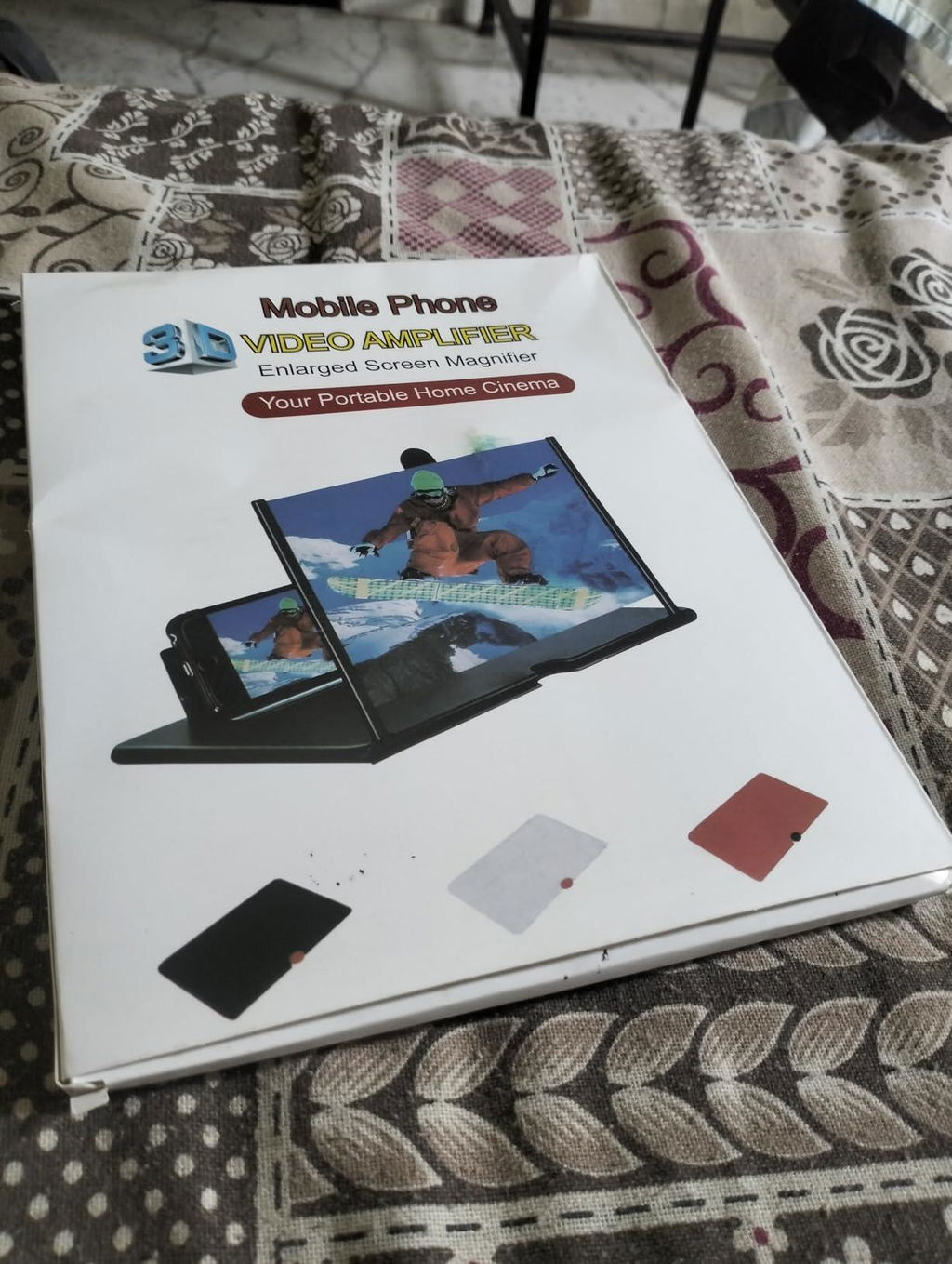
J
A very straightforward accessory that delivers exactly what it promises for everyday mobile viewing.
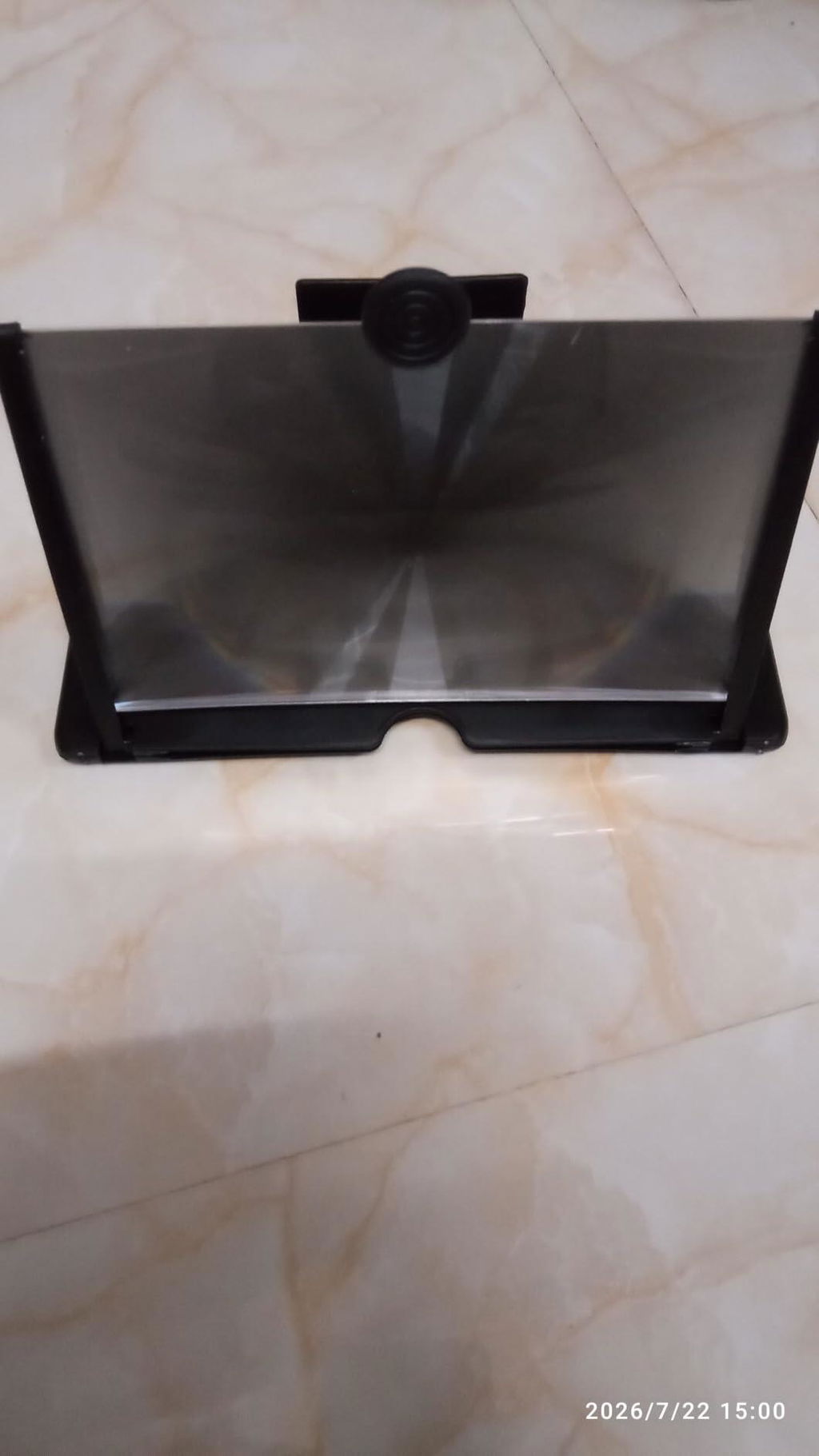
R
The focal length is just right when you sit straight in front of it. A neat little invention for everyday entertainment.
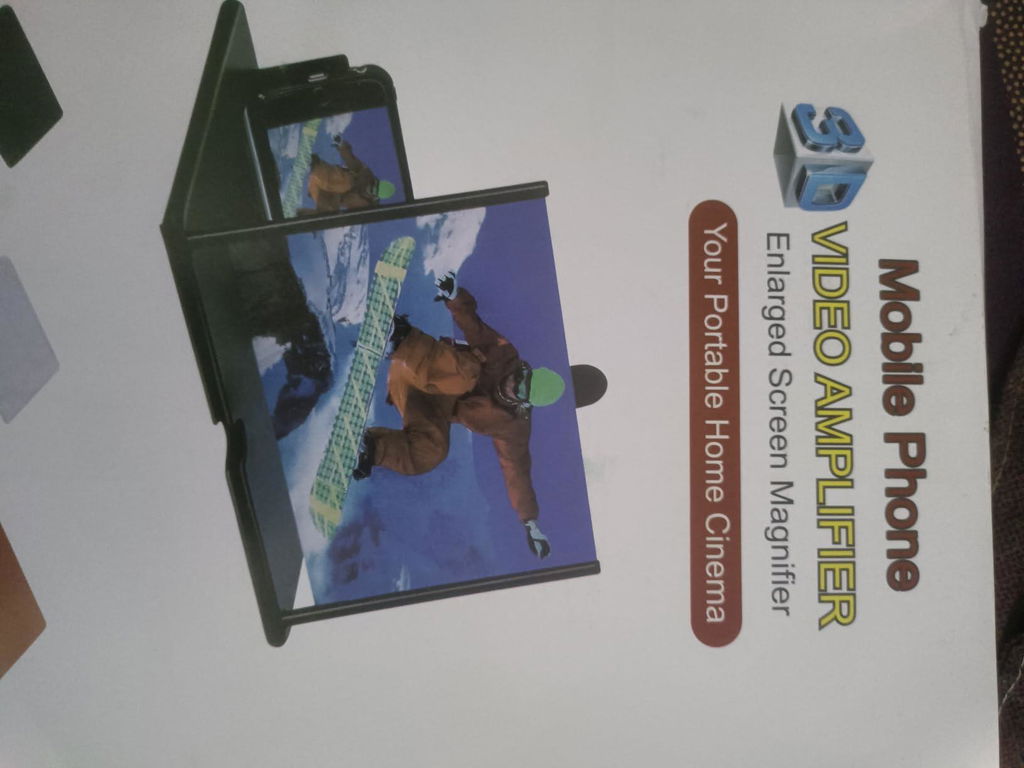
R
Watching small text and videos on a bigger zoomed-in frame is so much easier.
N
My friends thought it was a cool gimmick until they tried it themselves.
H
Thought it might just be a gimmick, but it genuinely enlarges the viewing area for videos and keeps the phone stable.
N
Was skeptical at first, but it actually works decently well for casual video watching.
D
I place it beside my laptop to keep an eye on video feeds while working.
D
It enlarges the display just enough to make reading subtitles on foreign shows much easier on the eyes.
P
The plastic quality is decent and does not feel too cheap or flimsy. Focuses the phone display properly as long as the room lights are balanced.
M
No complicated setup required, just unfold and place the phone in the slot. Works just fine.
N
Bought this to watch web series comfortably before sleeping. The display looks quite big and clear when kept at the correct distance.
B
Good to have around the house when you want a slightly bigger display without any hassle.
S
Watching motivational speeches on this stand is much better now. No more holding the phone upright.
A
The enlarged screen is quite clear and it takes up very little space on my bedside table. Worth it.
I
My uncle recommended this to me for reading small text and watching videos. It actually works well and feels quite light to carry around in my bag.
S
Carried this on my recent train journey and it kept me entertained for hours without straining my hands.
D
Happy with the results. It gives a comfortable viewing size and keeps my hands free while I eat my meals.
L
Being able to tweak the stand helps a lot depending on whether I am sitting on the chair or lying down.
P
Morning routine of watching morning briefings and news clips is much more enjoyable on this enlarged screen. Simple yet practical.
R
Very useful when you want a quick larger view of your phone screen without firing up the computer.
S
Anyone who spends hours watching videos on mobile will appreciate the eye relief this provides. Glad I added it to my desk setup.
T
No need to hold the phone for long stretches during movie marathons anymore.
A
The adjustable stand lets me set it right where I want it on the table. Very practical design.
S
Was worried the plastic lens would distort the picture, but text and videos remain sharp enough for casual viewing.
M
A very useful product if you consume a lot of media on your mobile device daily.


